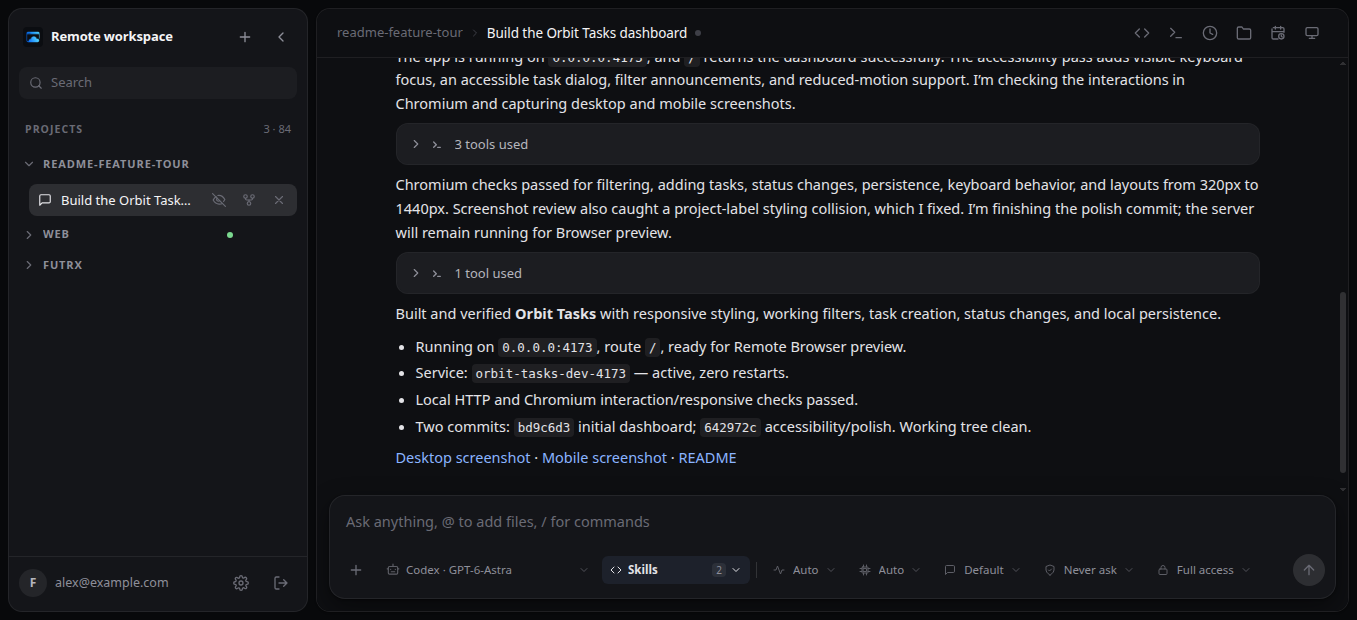
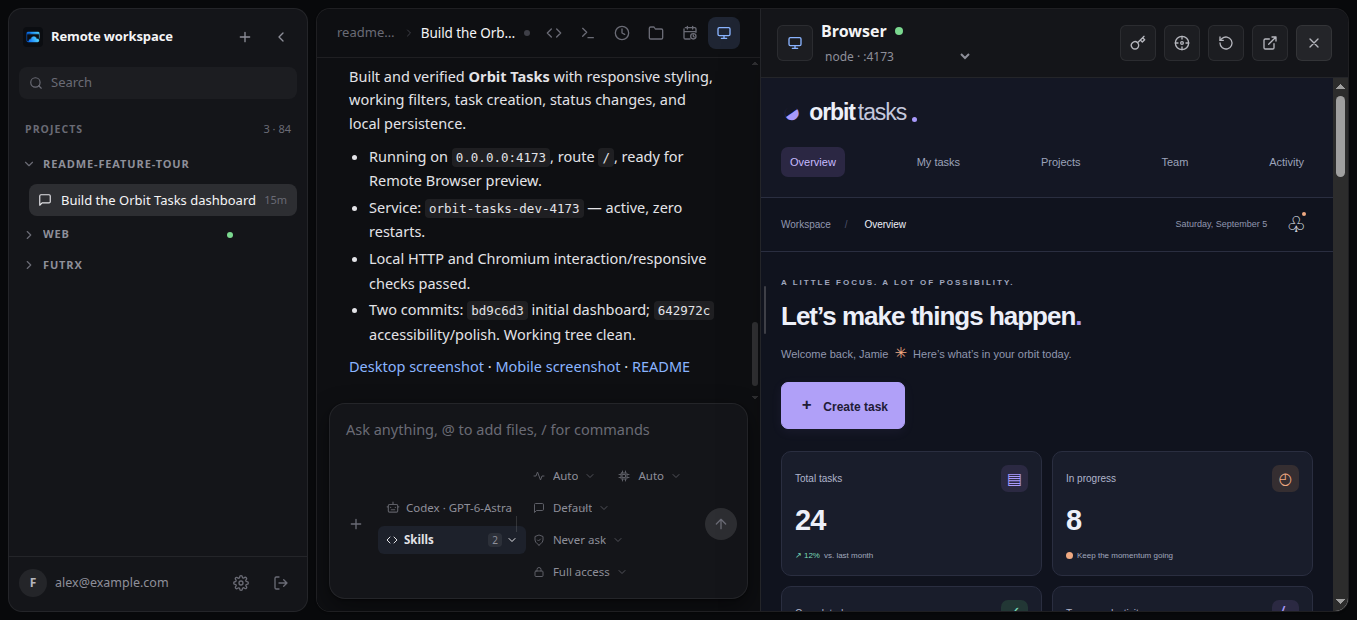
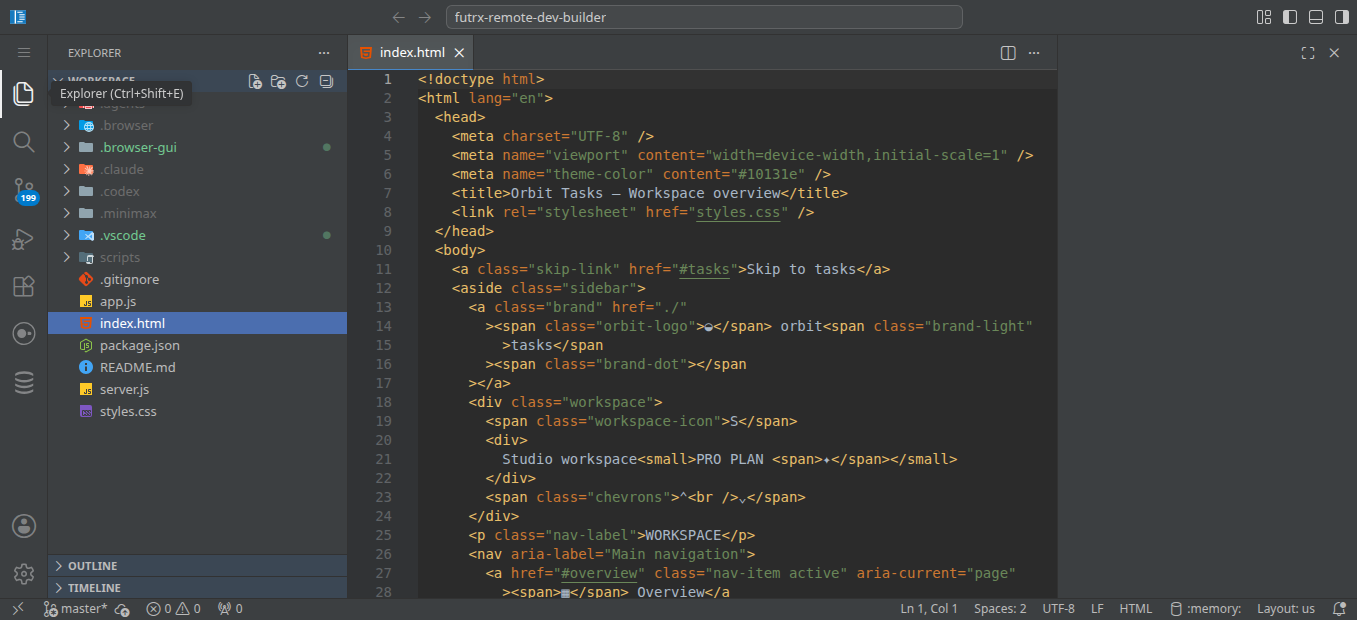
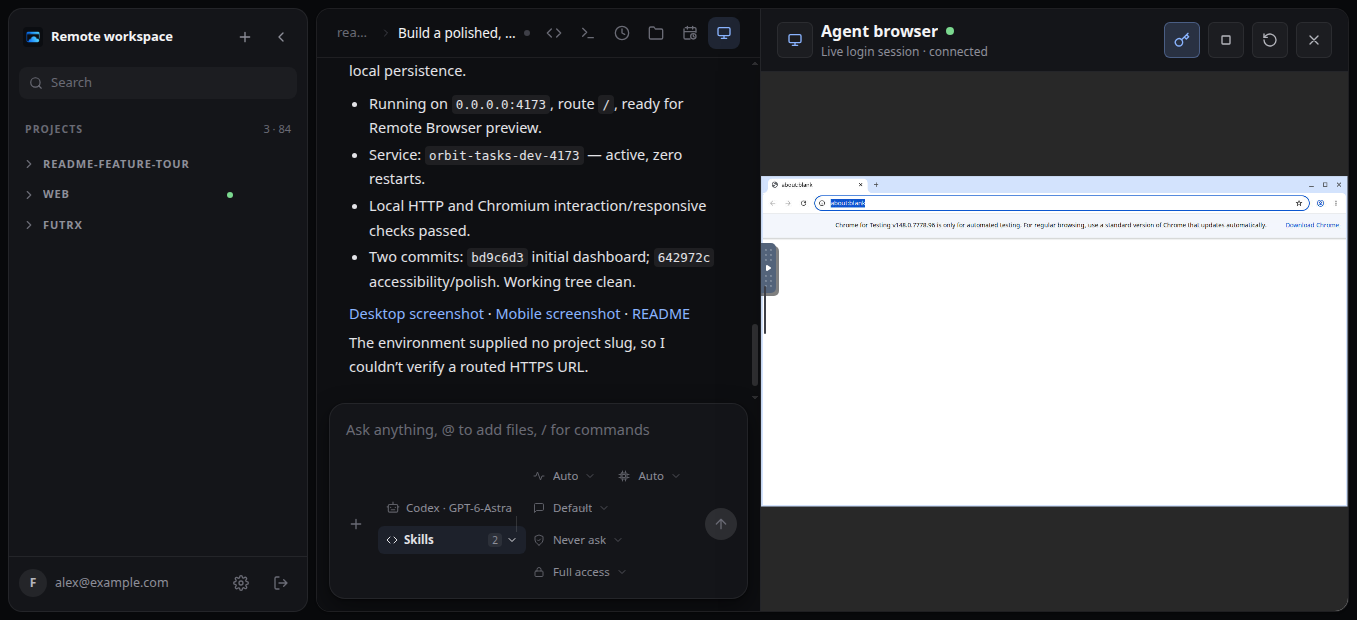
01
Can several projects run at once?
Yes. Each project gets its own tools and processes.
Remote turns one VPS into isolated, always-on Linux workspaces. Each project gets its own container, agent sessions, IDE, terminal, browser, Git, and live preview URLs.
Every project gets its own computer.
One server. The same live projects from any browser.
See the workspaceNo. Codex, Claude Code, and Kimi stay in control. Remote gives each project the computer it works inside.
How easy is it to use?Five real screens. One browser.
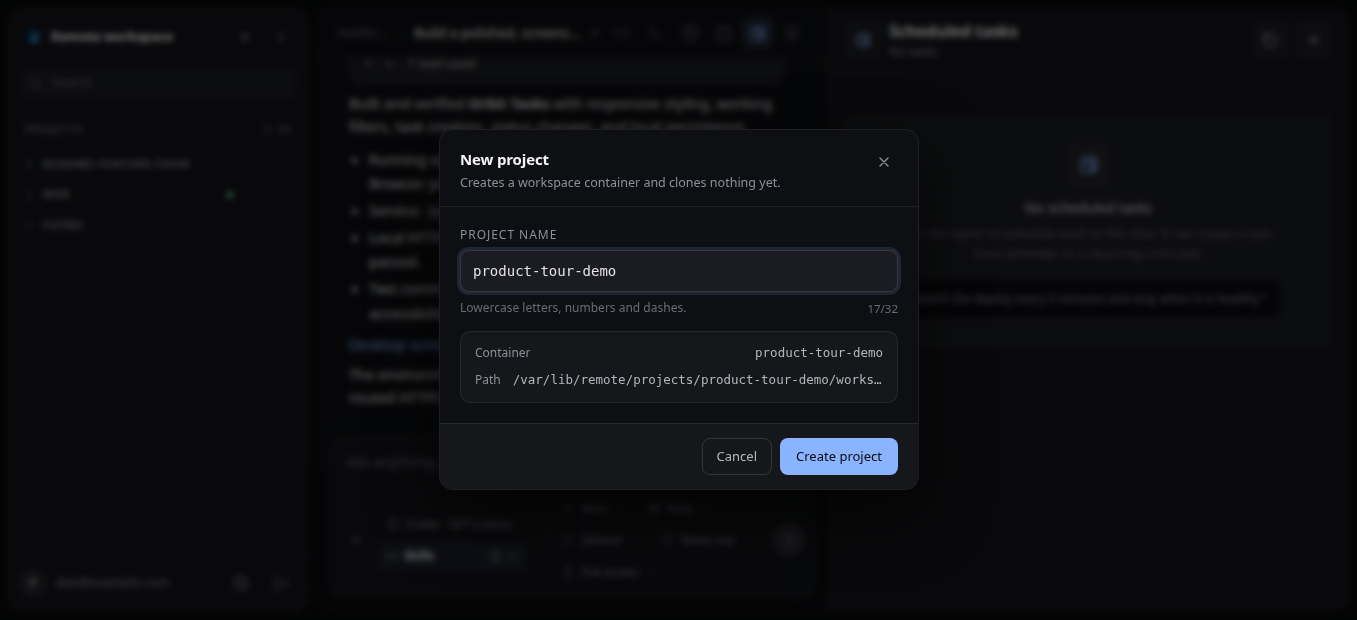
Name the project. Remote prepares the rest.
Three steps. Your server. No hosted account.
Create an Ubuntu or Debian VPS and connect as root.
Start with: 2 vCPUs, 4 GB RAM, and ports 22, 80, and 443.
ssh root@YOUR_SERVER_IPPoint your Remote hostnames at the server.
remote.example.comA → server IPcode.remote.example.comA → server IP*.code.remote.example.comA → server IP*.dev.remote.example.comA → server IPReplace the example hostname and run it.
$ curl -fsSL https://remote.futrx.com/get | sudo bash -s -- remote.example.comRemote starts and HTTPS is configured.
Yes. Each project gets its own tools and processes.
Yes. Enter the same browser session, help, and hand it back.
Yes. Agents and servers stay online when your laptop closes.
The server runs the agents, IDE, builds, and browser. Your device renders one control surface.
One Activity Monitor capture, not a controlled benchmark. Remote relocates compute; server usage still counts.
Separate project containers reduce the blast radius. Isolation is not an air gap.
Keep the agent you trust. Move its workspace to a server that stays ready.